Install
Attach once. Think about it never again.
Drop ZoomX on any chart and the price scale starts working the way you always expected it to.
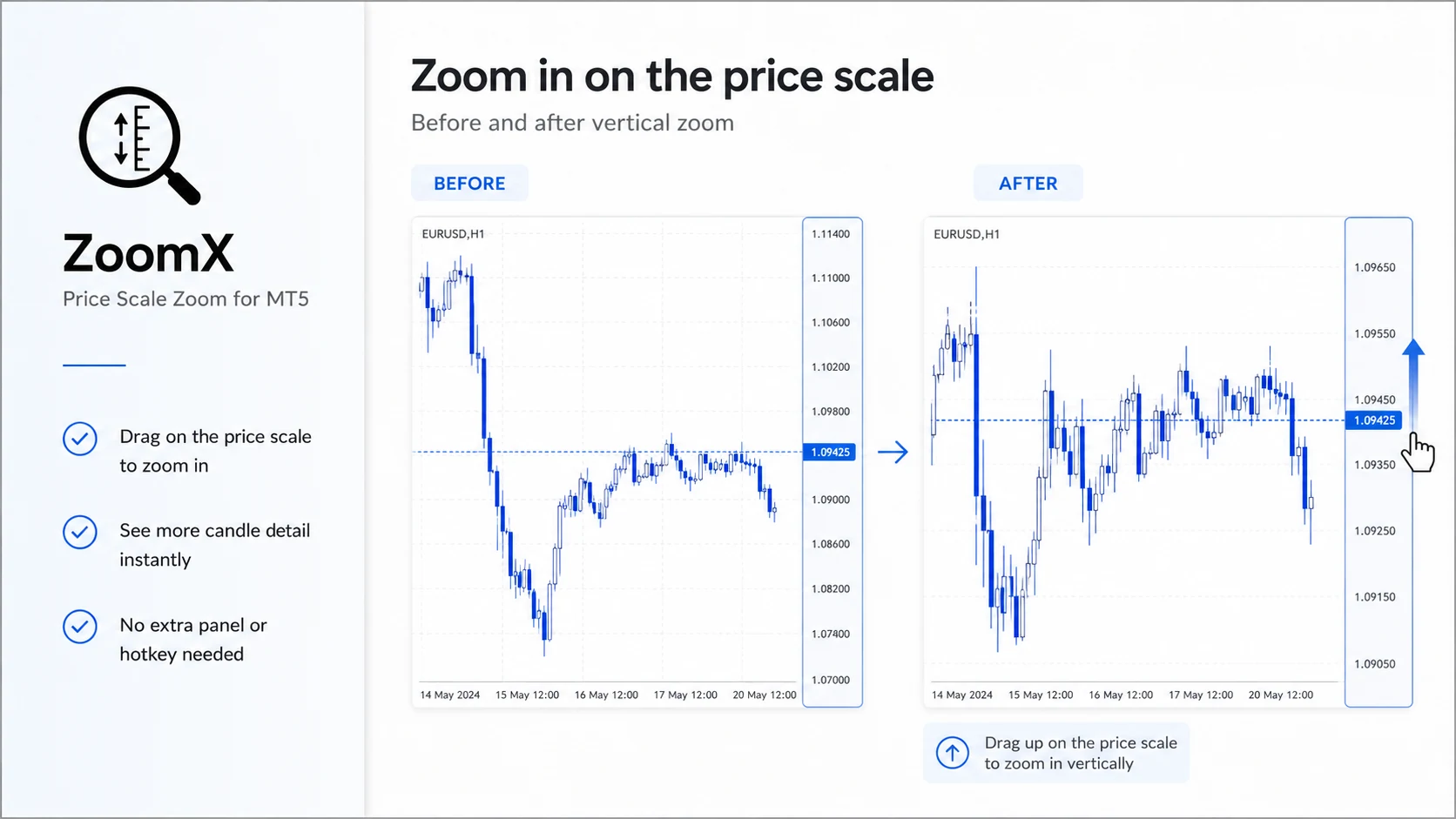
ZoomX turns the price scale into a zoom control. Drag up or down to zoom vertically, double-click to go back to auto. Nothing is drawn on your chart.
FEATURE 1REQUIRED SETUP 0PLATFORM MT5DRAWS NOTHING
Zoom, closer
No keyboard shortcuts, no menus, no modes. The vertical zoom you want is one drag away on the edge you already touch.
Install
Drop ZoomX on any chart and the price scale starts working the way you always expected it to.
Zoom
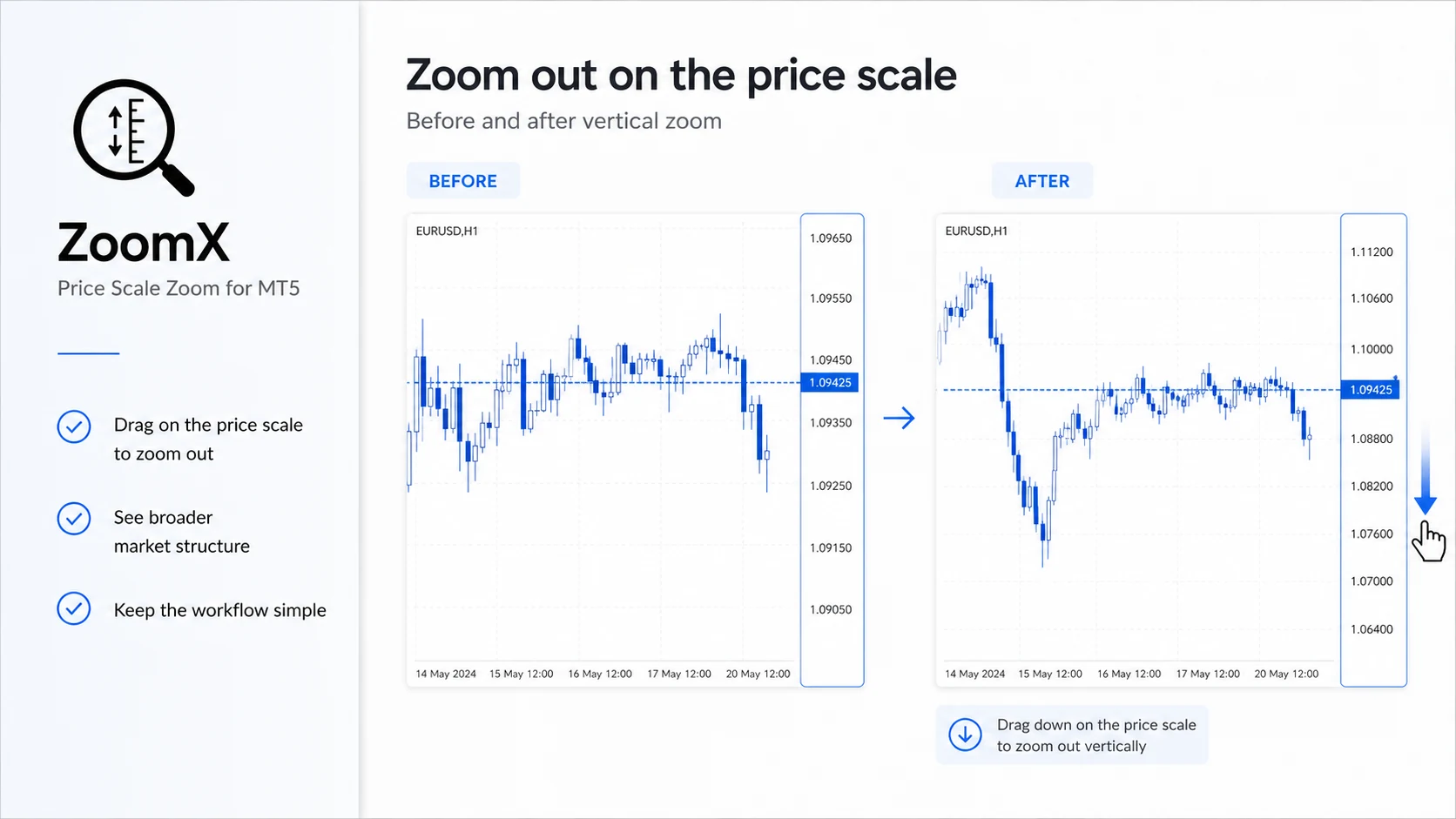
Press and hold the price scale. Up zooms in, down zooms out — centered, smooth, instant.
Reset
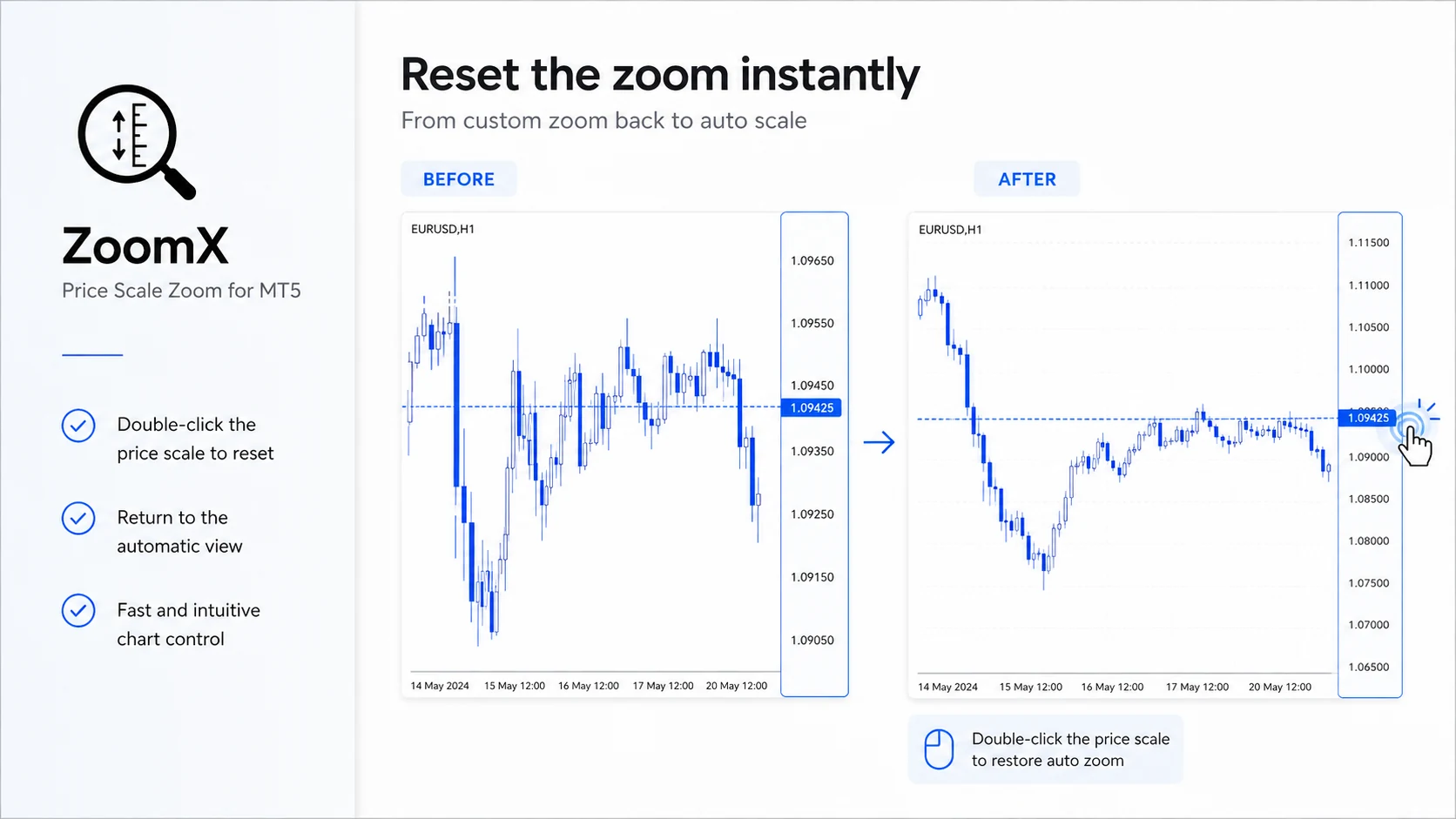
Done examining the move? Double-click the scale and the chart returns to automatic scaling.
How it works
Press and hold on the price scale at the right edge of the chart. Drag up to zoom in, down to zoom out.
One input, sensitivity from 1 to 5. Set it once and the zoom responds exactly how you like.
Done looking? Double-click the price scale and the chart snaps back to automatic scaling.
Pricing
Buy — Lifetime
ONE-TIME PAYMENT
FAQ
No. ZoomX is a behavior-only indicator. It adds zoom control to the price scale and draws nothing — no lines, no panels, no labels.
Press and drag the price scale on the right side of the chart. Drag up to zoom in, drag down to zoom out. The zoom stays centered on the middle of the visible chart.
Double-click the price scale. The chart returns to automatic scaling instantly.
No. ZoomX only reads mouse position on the price scale and adjusts chart scaling. It does not touch orders, other chart objects, or terminal settings.
Pairs well with
ZoomX handles the chart. OrderX handles the order — risk-based position sizing, one-click execution, and split take profit in the same quiet style. Both run together on the same chart.